

What Are Cloud Desktops?
A cloud desktop lets you access a full desktop environment from anywhere using an internet connection, without needing a powerful local computer. It centralizes data, reduces maintenance, and supports remote work, while solutions like Apporto provide secure, ready-to-use environments through the browser.
The desktop used to be a place. A box under a desk. A fixed screen in a fixed room. That assumption has quietly collapsed, and cloud desktops are what rushed in to fill the gap.
Work now happens across homes, offices, airports, call centers, and classrooms. People switch devices mid-day. Data moves constantly.
Traditional desktops and physical PCs struggle in that environment because they were built for stability, not mobility. Each new device adds friction. Each location adds risk. And suddenly IT teams are managing dozens, sometimes hundreds, of individual machines instead of one coherent system.
That strain shows up in security incidents, support tickets, and ballooning costs. It also explains why so many people are asking the same question: what are cloud desktops, and why do they keep coming up now? The technology promises something familiar, a desktop, without the old constraints.
Going ahead, the focus changes from the buzzword to the mechanics, the trade-offs, and why access has become just as important as computing power itself.
What Are Cloud Desktops, in Simple Terms?
At the most basic level, cloud desktops are virtual desktops that live in the cloud instead of on a physical computer. The screen, operating system, applications, and data exist on remote cloud infrastructure, while you interact with them through a device you already have. That device becomes a window, not the engine.
You will also hear cloud desktops called Desktop as a Service, or DaaS. The idea is similar to other cloud services you already use.
The desktop is delivered on demand, maintained by a provider, and accessed when you need it. There is no need to buy or manage a dedicated physical PC for every user.
A cloud desktop solution works because the heavy computing happens elsewhere. Users connect over an internet connection from laptops, tablets, or even older machines that no longer have much computing power. The experience stays consistent because the desktop itself does not change when the device does.
In simple terms, cloud desktops are:
- Hosted in the cloud rather than on a local machine
- Not tied to a physical computer or office location
- Accessed through an internet connection from various devices
- Managed centrally by IT teams or service providers
This approach removes the desktop from the desk. What stays is the familiar environment users expect, delivered in a more flexible way.
How Do Cloud Desktops Actually Work Behind the Scenes?
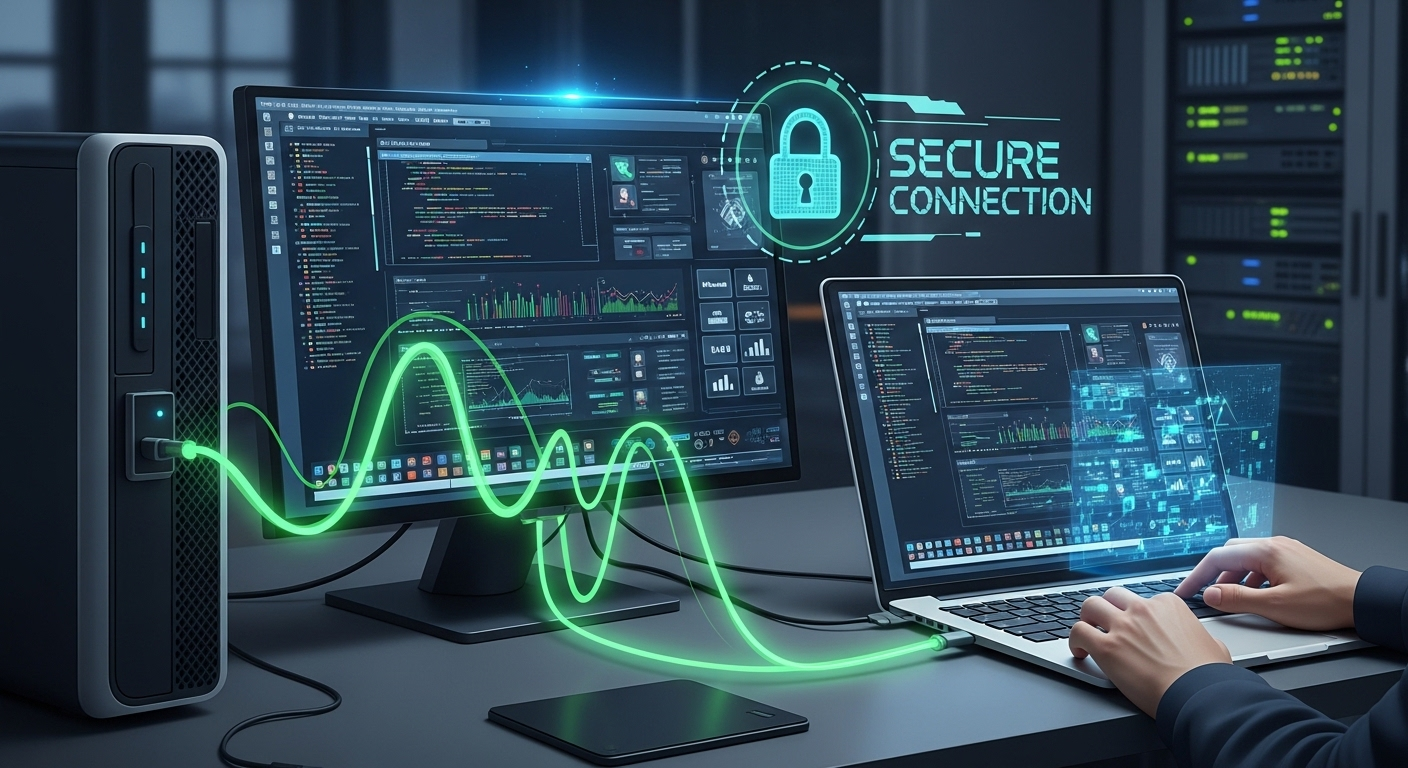
Behind the screen, cloud desktops rely on virtualization technology. Instead of one operating system running on one physical machine, many virtual desktops run on shared physical servers inside cloud data centers. Each user gets their own isolated environment, even though the hardware is shared.
A layer known as virtual desktop infrastructure makes this possible. The VDI layer separates the desktop environment from the underlying hardware.
Computing resources such as CPU, memory, and storage are allocated dynamically based on demand. When a user logs in, resources are assigned. When they log out, those resources return to the pool.
Data and operating systems live inside secure cloud infrastructure, not on local devices. That means files, applications, and settings stay in the same place, regardless of where or how users connect. Secure connections stream the desktop experience to the user and send inputs back to the server.
At a technical level, this setup includes:
- A virtual desktop infrastructure layer that manages sessions
- Centralized cloud infrastructure hosted in data centers
- Isolated user environments for security and consistency
- Secure connections between users and their desktops
This design allows many desktops to run efficiently while keeping user experiences separate and controlled.
How Are Cloud Desktops Different From Traditional Desktops?
The difference becomes clear once you stop thinking about the desktop as a piece of hardware and start thinking about it as a service. Traditional desktops are built around physical PCs. Cloud desktops are built around access.
Here is the contrast at a glance:
| Traditional Desktops | Cloud Desktops |
|---|---|
| Runs on physical PCs | Hosted in the cloud |
| Tied to one device | Accessible from many devices |
| Local data storage | Centralized data |
| High maintenance | Vendor-managed |
| Hard to scale | Scales on demand |
With traditional desktops, everything depends on the physical hardware sitting on or under a desk. Performance is limited by that machine.
When it fails, work stops. When software needs updating, IT teams touch each device, often one by one. Over time, this creates a heavy maintenance burden that pulls attention away from more strategic work.
Security is another pressure point. Data stored on local devices increases exposure. Lost laptops, outdated systems, and inconsistent patching all raise risk. Protecting sensitive information becomes harder when it is scattered across hundreds of physical PCs.
Cloud desktops remove many of these constraints. The physical hardware lives in secure data centers, and users connect to it instead of carrying data with them.
IT teams manage desktops centrally, apply policies once, and scale resources as needed. The desktop becomes easier to maintain, easier to secure, and far more flexible than a traditional setup ever allowed.
Cloud Desktops vs Traditional VDI: What’s the Real Difference?
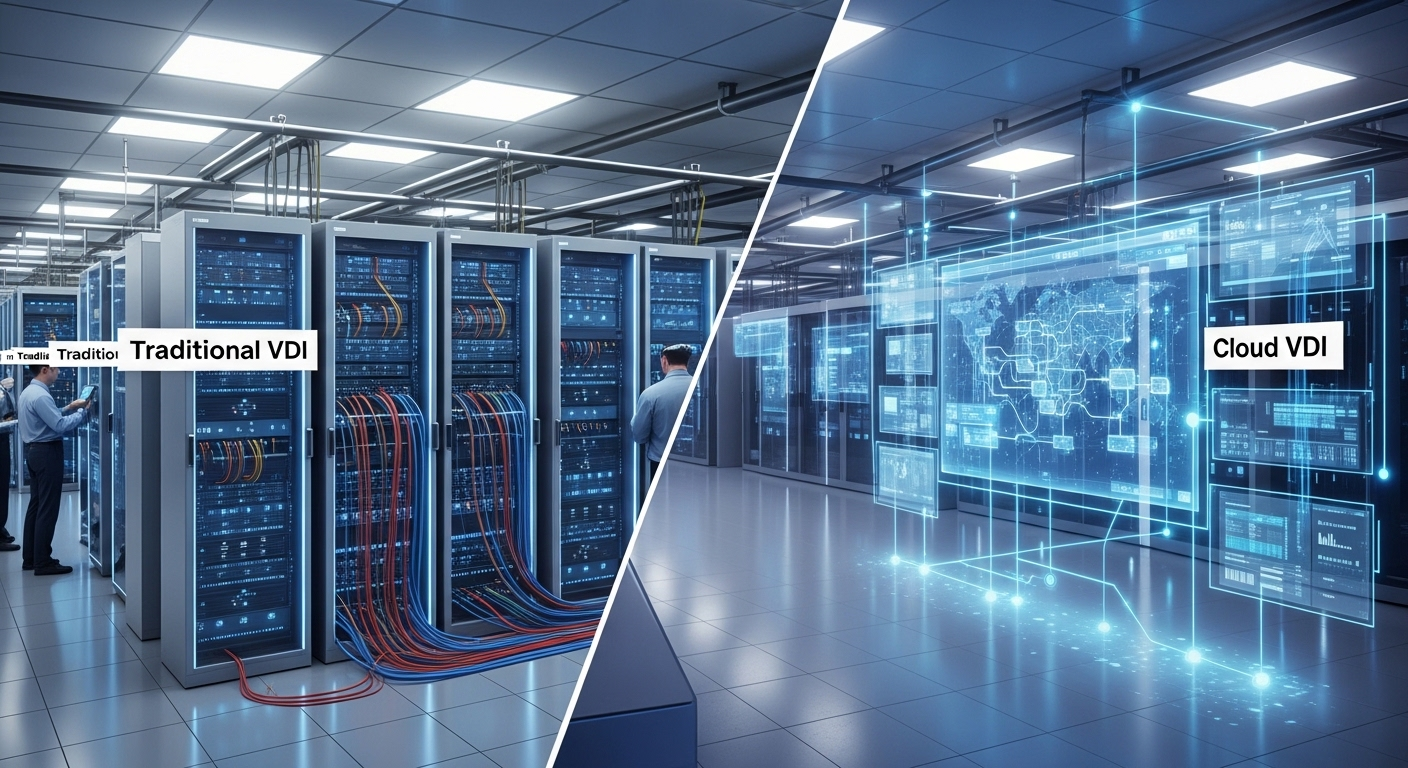
At first glance, cloud desktops and traditional VDI look similar. Both rely on virtual desktop infrastructure, and both separate the desktop environment from the user’s physical device. The real difference shows up in where that infrastructure lives and who is responsible for running it.
Traditional VDI runs on premises, inside a company’s own data center. That means organizations must purchase physical servers, storage, networking equipment, and licenses upfront.
IT teams manage everything, from updates and patches to capacity planning. This model offers control, but it comes with complexity and significant capital expense.
Cloud VDI moves that same virtual desktop infrastructure into the cloud. Providers such as Microsoft Azure and Google Cloud host the computing power, storage, and networking.
Instead of buying hardware, organizations pay for what they use through an operating expense subscription model. Scaling up or down becomes faster because resources are not limited by physical equipment sitting in a server room.
Here is how the two approaches compare:
| Traditional VDI | Cloud VDI |
|---|---|
| On-premises data center | Hosted in the cloud |
| CapEx-heavy | OpEx subscription |
| Internally managed | Vendor-managed |
| Complex deployments | Faster setup |
| Harder to scale | Elastic scaling |
In practical terms, cloud VDI reduces infrastructure overhead and increases flexibility. Traditional VDI can still make sense in tightly controlled environments, but cloud VDI offers a simpler path for organizations that need agility, predictable costs, and easier scaling.
What Devices Can You Use to Access a Cloud Desktop?
One of the quiet advantages of cloud desktops shows up the moment access becomes simple. You are no longer locked to a single physical device sitting under a desk. Users connect through the internet, and the cloud desktop follows them, not the hardware.
Because the desktop environment lives in the cloud, access becomes device agnostic. Existing devices stay useful longer, and physical hardware does not need to be refreshed as often. That alone changes how organizations think about endpoints and refresh cycles.
Common devices used to access a cloud desktop include:
- Laptops and desktops
Standard Windows, macOS, or Linux machines can connect through a browser or client application. - Tablets and mobile devices
iOS and Android devices allow quick access for review tasks, approvals, or light work on the go. - Thin clients
Lightweight physical devices designed only to connect to a remote desktop, often used for secure environments. - Shared computer labs
Cloud desktops work well in education and training settings where multiple users rotate through the same machines. - Personal devices (BYOD)
Employees use their own physical device while data remains centralized and secure in the cloud.
This flexibility sets the stage for the next question, why organizations actively choose cloud desktops over traditional setups.
Why Do Businesses Use Cloud Desktops? Key Benefits Explained
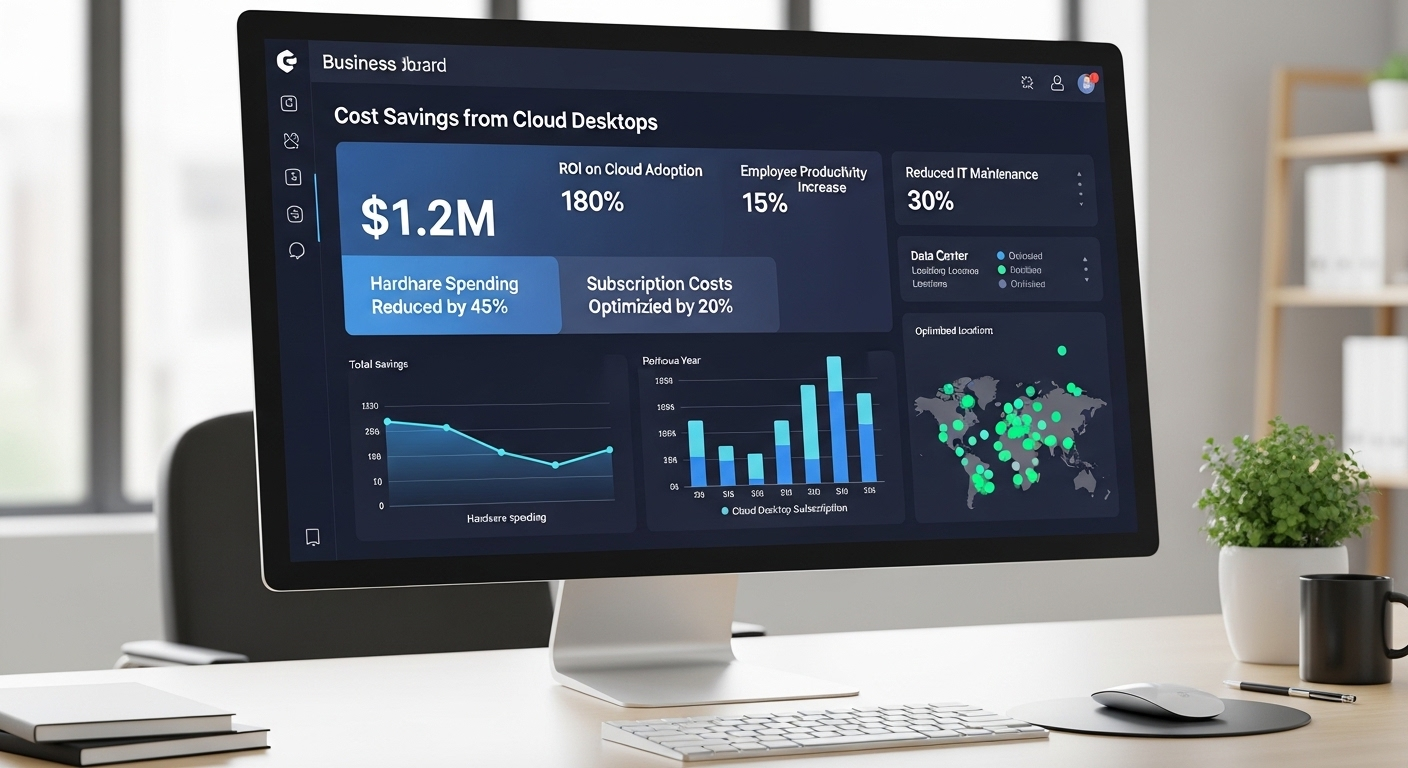
Once device flexibility is in place, the business case becomes clearer. Cloud desktops are not adopted for novelty, they solve practical problems that pile up with traditional desktops and on premises systems.
Cost efficiency often leads the conversation. Organizations reduce spending on physical PCs, replacement cycles, and unexpected hardware failures. Instead of large upfront purchases, costs align more closely with actual usage.
Security follows close behind. Data lives in centralized cloud infrastructure, not scattered across local devices. If a laptop is lost or stolen, sensitive data remains protected. Centralized policies also make it easier to enforce access controls and security standards.
Centralized management simplifies life for IT teams. Updates, patches, and configuration changes happen in one place, rather than across hundreds or thousands of individual devices. That saves time and reduces configuration drift.
Key benefits businesses consistently point to include:
- Cost savings on hardware and extended device lifespan
- Reduced ongoing maintenance for IT teams
- Centralized management tools and policy control
- Faster onboarding for new users or temporary staff
- Flexible resource allocation based on real demand
- Rapid scaling up or down as teams grow or contract
Together, these benefits explain why cloud desktops continue to gain traction across industries, from call centers to education and distributed workforces.
How Cloud Desktops Improve Security Compared to Physical PCs
Security becomes the deciding factor once data starts moving beyond office walls. Physical PCs were designed for a time when work stayed inside buildings. That assumption no longer holds. Cloud desktops change the security model by moving data away from endpoints and into controlled cloud environments.
With a cloud desktop, sensitive data stays in the cloud. Files, applications, and operating systems run inside secured data centers rather than on local hard drives. If a device is lost, stolen, or damaged, the exposure is limited because nothing critical lives on that physical PC. Access can be revoked instantly without chasing hardware.
Cloud desktop solutions also benefit from stronger, more consistent security features than most individual devices ever receive. Updates, patches, and security policies apply centrally, reducing gaps that attackers often exploit on unmanaged machines. IT teams gain visibility instead of guessing which devices are up to date.
Key security advantages include:
- Centralized data storage
Sensitive data remains inside cloud infrastructure instead of being scattered across laptops and desktops. - Multi-factor authentication
Access requires more than a password, lowering the risk of unauthorized entry. - Enhanced security posture
Centralized monitoring helps detect unusual behavior across user environments. - Policy-based access controls
Permissions are enforced consistently based on role, location, or device type. - Reduced exposure on local devices
Even compromised endpoints provide limited access without valid authentication.
Compared to physical PCs, cloud desktops reduce risk by design rather than relying on perfect user behavior.
Common Use Cases for Cloud Desktops Across Industries
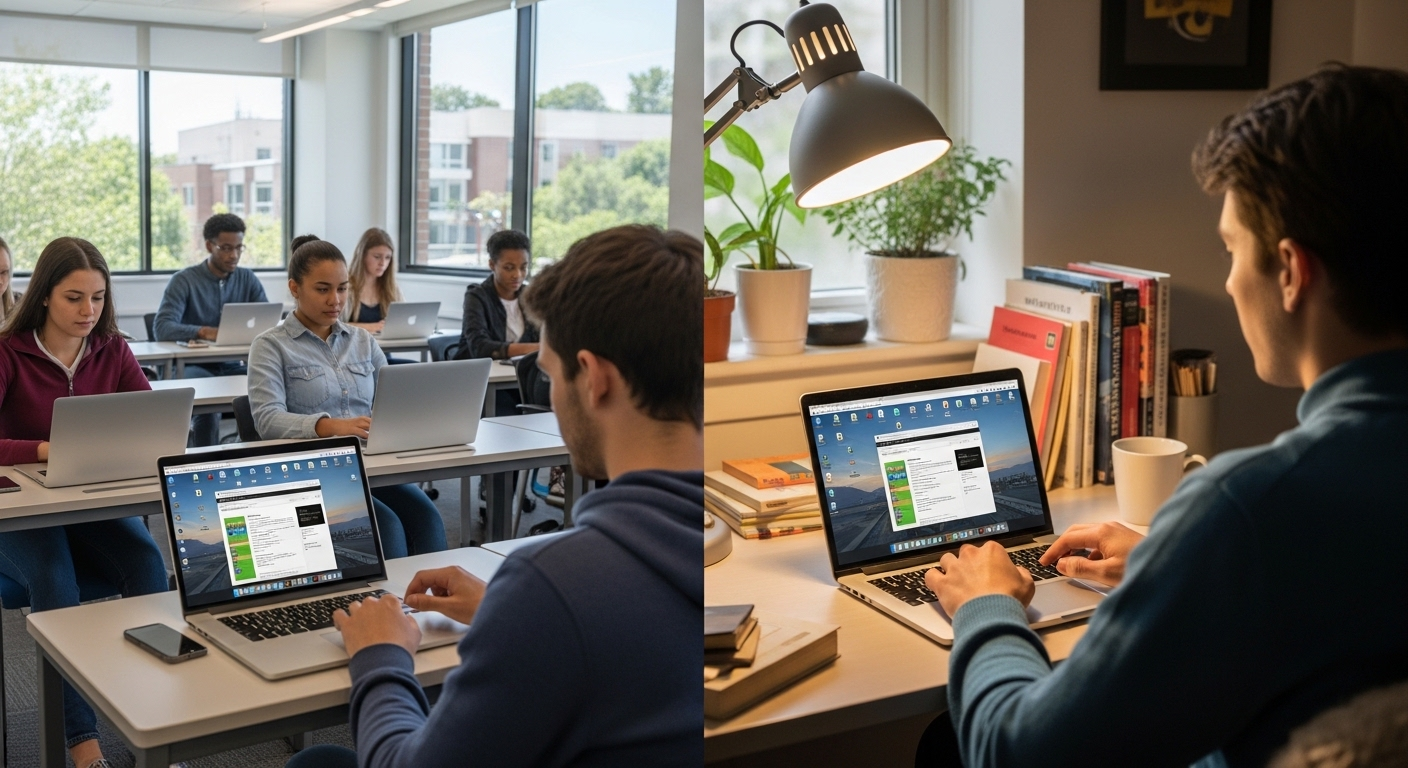
Cloud desktops did not catch on because they were trendy. They stuck because they solved very real, very practical problems across industries where flexibility, security, and scale matter more than owning physical machines.
Take call centers, for example. These environments deal with high employee turnover, strict access controls, and sensitive customer data. Cloud desktops allow new agents to log in from day one, work inside a controlled environment, and log out without leaving anything behind on local devices.
Educational institutions use cloud desktops in computer labs and remote learning setups. Instead of maintaining rows of aging machines, schools give students consistent access to the same software and tools, whether they are on campus or learning remotely.
Healthcare organizations rely on secure remote access. Cloud desktops keep patient data centralized, which supports compliance while allowing clinicians to work from different locations without copying sensitive files to local systems.
Software development teams benefit from standardized environments. Developers can spin up identical desktops with the right tools, reducing setup time and configuration drift.
Temporary or contract workers also fit naturally. Access can be granted quickly and removed just as fast.
Across these use cases, cloud desktops support distributed workforces, secure remote access needs, and rapid scaling requirements without adding operational chaos.
What Are the Cost Models for Cloud Desktop Solutions?
Cloud desktop pricing looks different from traditional IT spending, and that difference is often the point. Instead of buying hardware upfront, organizations pay for access over time.
Most cloud desktop solutions use subscription-based pricing. You pay per user, per month, based on the computing power and features required. This moves spending from large capital expenses to predictable operating costs.
There are typically two common pricing approaches:
- Monthly per-user pricing
A fixed cost per user that includes compute resources, storage, and management. - Usage-based resource billing
Costs scale with actual usage, which works well for seasonal teams or variable workloads. - Reduced upfront investment
No need to purchase physical PCs, servers, or data center equipment.
This OpEx model contrasts with traditional CapEx-heavy setups, where hardware, maintenance, and refresh cycles drive costs. For many organizations, cloud desktops become cost effective not because they are cheaper on paper, but because they reduce waste, simplify budgeting, and align spending with real usage.
What Challenges Come With Cloud Desktops?

Cloud desktops solve plenty of problems, but they are not friction free. Knowing the trade-offs upfront helps avoid surprises later.
The first and most obvious dependency is the internet connection. Because cloud desktops live outside the local device, reliable internet connectivity becomes essential. A weak or unstable connection can affect responsiveness, especially for graphics-heavy or real-time tasks.
Latency is another concern. Even with strong bandwidth, distance from the data center can introduce delays. This is manageable, but it requires thoughtful provider selection and performance tuning based on user location and workload type.
Migration complexity often catches teams off guard. Moving from physical PCs or traditional VDI to a cloud desktop solution involves rethinking identity management, application delivery, and security policies. It is not difficult, but it is layered.
Common challenges organizations encounter include:
- Internet connectivity requirements
Consistent, reliable access is non-negotiable for a smooth user experience. - Performance tuning
Resource allocation must match real usage patterns, not assumptions. - Change management
Users may resist new workflows, even when the technology works well. - User training needs
Small differences in access and login behavior still require guidance.
Handled early, these challenges stay manageable rather than disruptive.
How Do Organizations Successfully Migrate to Cloud Desktops?
Successful cloud desktop migrations tend to follow a clear, deliberate path. Rushing almost always leads to avoidable friction.
Most organizations start by understanding what they already have. That means reviewing existing infrastructure, applications, identity systems, and network readiness. This step informs realistic expectations around performance and resource allocation.
A practical migration approach usually includes:
- Assess existing infrastructure
Identify applications, data flows, and security requirements that must carry over. - Choose the right provider
Match the cloud desktop solution to workload needs, compliance requirements, and management capabilities. - Pilot with a small user group
Start with a controlled group to surface issues before full rollout. - Train users and IT teams
Set expectations early and document new access patterns and workflows. - Monitor performance and feedback
Use real usage data to refine configurations and ongoing maintenance plans.
This phased approach reduces risk, keeps users engaged, and allows IT teams to manage the environment proactively rather than reactively.
What to Look for in the Right Cloud Desktop Solution
Choosing the right cloud PC solution comes down to fit, not hype. On paper, many platforms look similar. In practice, the details decide whether the experience feels smooth or frustrating six months in.
When evaluating options, focus on capabilities that hold up under real use, not just demo environments. The goal is a cloud desktop solution that supports users quietly, securely, and without constant tuning.
Key features to look for include:
- Robust security features
Centralized data protection, multi-factor authentication, role-based access, and strong identity controls should be built in, not bolted on later. - Performance and scalability
The platform should handle peak demand without lag and allow resources to scale up or down as teams change. - Integration with existing tools
Compatibility with identity systems, management tools, and productivity platforms reduces friction for IT teams. - Pricing flexibility
Look for models that align with actual usage patterns rather than fixed assumptions. - Vendor support and reliability
Responsive support, clear documentation, and predictable updates matter more than flashy features.
The right choice feels boring in the best way. It works. Consistently.
Conclusion:
Cloud desktops have earned their momentum for a reason. They offer a powerful solution for organizations dealing with distributed teams, rising security expectations, and growing pressure on IT resources. Flexibility improves. Access becomes simpler. Data stays protected where it belongs.
Still, cloud desktops are not a universal answer. Workloads vary. Network readiness matters. User expectations differ. The most successful deployments start with careful planning rather than urgency.
Before making a decision, evaluate cloud desktop readiness across infrastructure, security needs, and user workflows. Identify where cloud desktops add real value and where traditional setups may still make sense.
If the fit is right, modern cloud desktop platforms can unlock new capabilities while reducing long-term complexity. Exploring secure, scalable desktop services now helps organizations move forward with clarity rather than guesswork.
Frequently Asked Questions (FAQs)
1. What is a cloud desktop?
A cloud desktop is a virtual desktop environment hosted on remote servers instead of a physical computer. Users access their operating system, applications, and data through the internet, enabling secure, flexible work from any device without relying on local hardware.
2. How is a cloud desktop different from a regular virtual desktop?
A regular virtual desktop is often part of traditional VDI, which runs on on-premises servers managed by internal IT teams. A cloud desktop is hosted and maintained by a cloud provider and delivered as a service. This reduces infrastructure complexity, lowers upfront costs, and makes scaling easier without managing physical hardware or data center capacity.
3. Do cloud desktops require a constant internet connection?
Yes, cloud desktops depend on an active internet connection because the desktop environment lives in the cloud. If the connection drops, access is temporarily interrupted. Modern cloud desktop solutions are optimized to work well even on modest connections and are far more resilient than early virtual desktop setups.
4. Are cloud desktops secure enough for sensitive data?
Cloud desktops are generally more secure than physical PCs because data stays centralized in the cloud instead of being stored on local devices. Lost or stolen hardware does not expose sensitive information. Security features often include encryption, multi-factor authentication, access controls, and centralized policy enforcement managed by IT teams.
5. What types of organizations benefit most from cloud desktops?
Organizations with distributed teams, remote workers, call centers, and shared computer labs often see the biggest gains. Educational institutions and healthcare organizations also benefit from centralized access and stronger security controls.
6. Are cloud desktops expensive compared to physical PCs?
Cloud desktops usually follow a subscription or pay-as-you-go model, which shifts costs from large upfront purchases to predictable operating expenses. This can reduce long-term spending on hardware, maintenance, and upgrades. Costs depend on usage patterns, performance needs, and provider pricing models, so careful planning is important.
7. How long does it take to move to cloud desktops?
Migration timelines vary. Small pilot groups can be up and running in days, while full deployments may take weeks depending on complexity. A phased approach, testing with a limited group first, helps reduce disruption and ensures the cloud desktop setup meets real-world needs before scaling.
